 SL
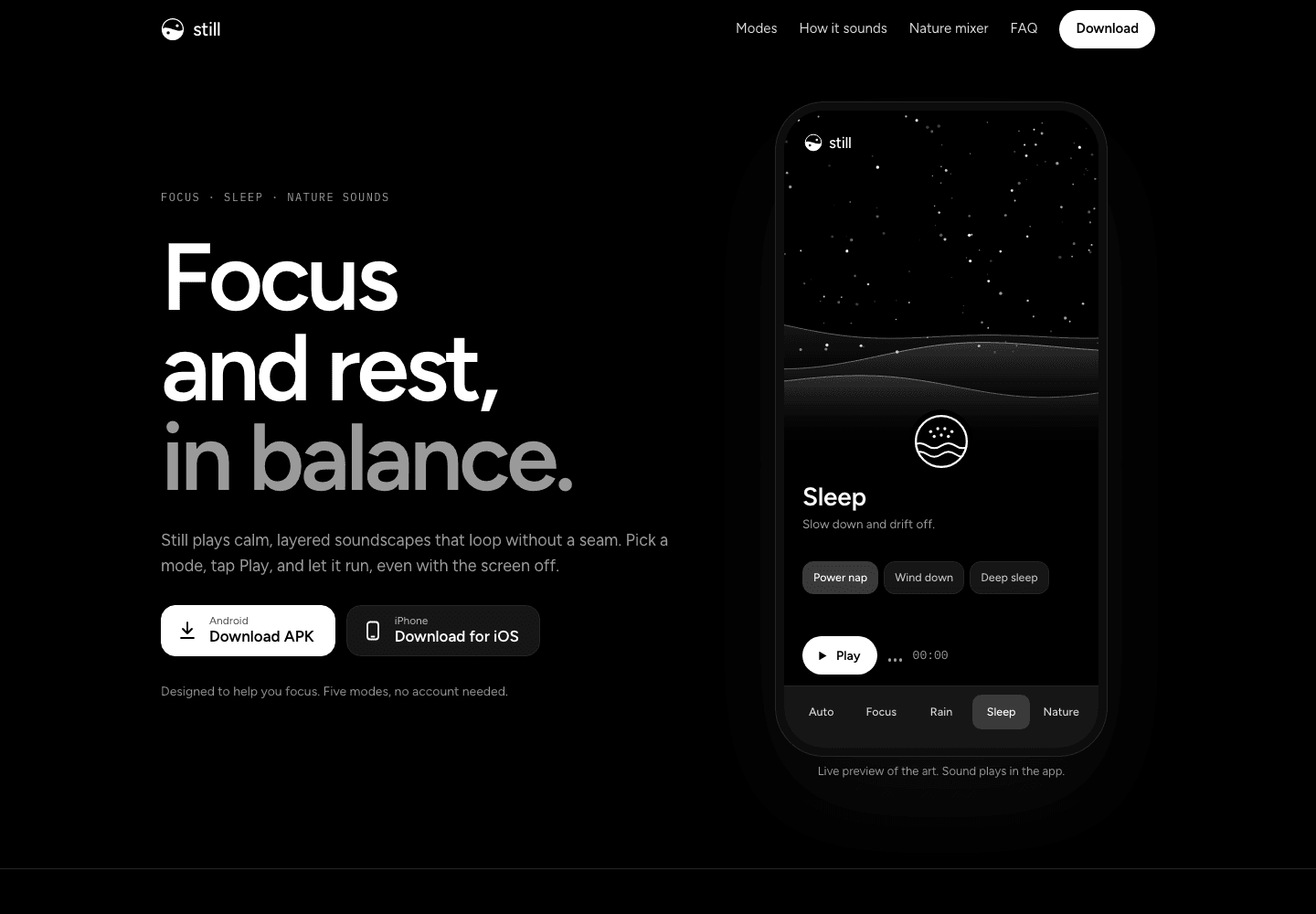
Still landing page
One page, with the app's art running live
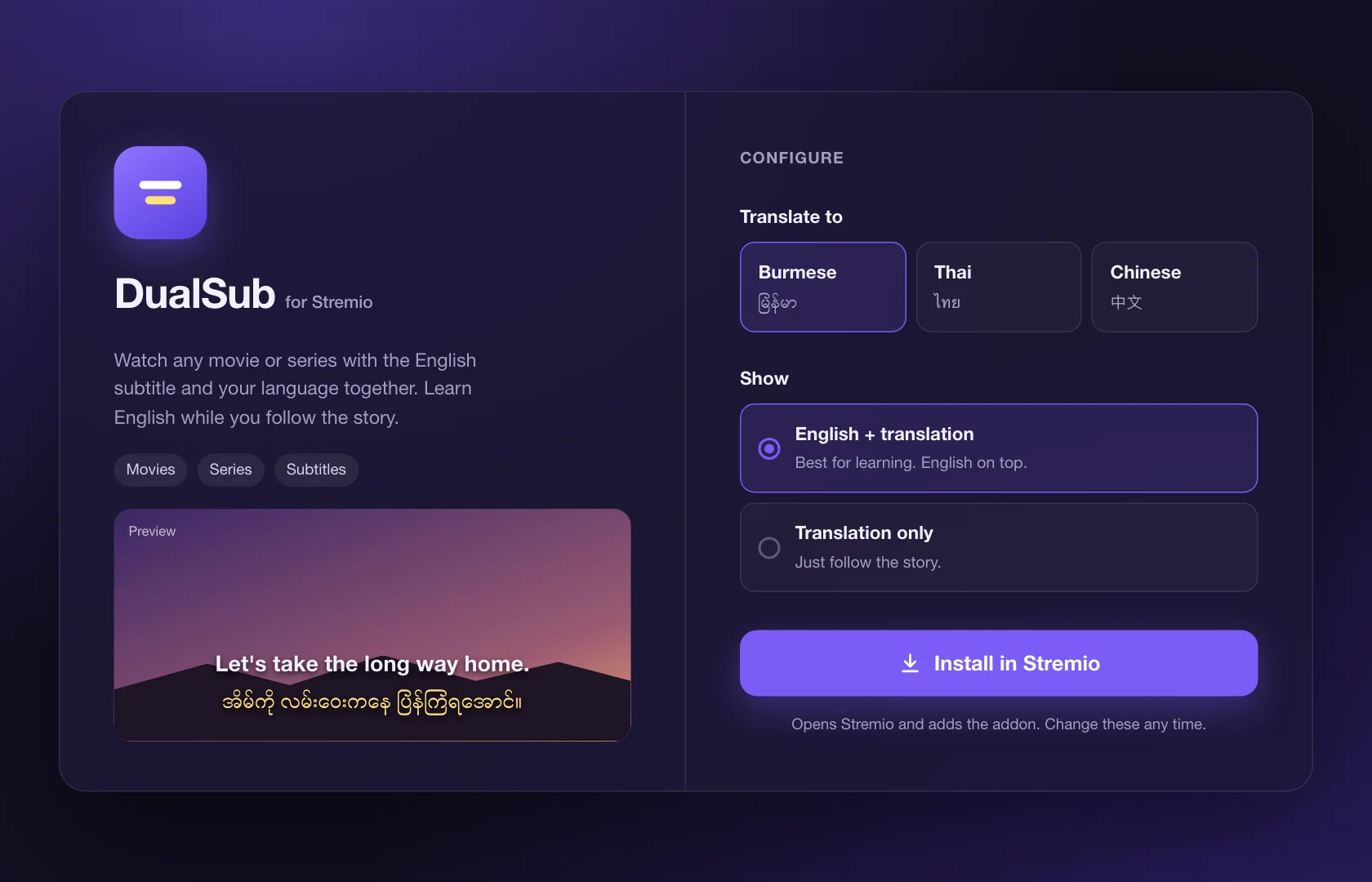
DualSub is a Stremio addon for learning English from movies. It shows the English subtitle and a translation together, in Burmese, Thai or Chinese, so you follow the story and pick up the English as you watch. It's public, and I designed and built it on my own.

The player and install page are rebuilt in code for this page. The film and the dialogue are sample content.
The idea
Follow the story. Keep the English.
Subtitles in your own language help you follow a film, but you stop listening to the English. English-only subtitles keep the English, but you lose the story. DualSub shows both, line by line, so every scene is a small lesson.
The challenge
Three things had to be true for people to keep it on.
Both lines have to read at a glance without covering the film. English stays on top as the line you learn from; the translation sits under it in a softer style.
Translating a whole film line by line is slow. The subtitles have to be ready in about the time it takes a movie to start.
AI translation costs money on every call. The same film should never be translated twice, however many people watch it.
Install
Pick a language, press Install.
Stremio addons are added from a web page. I kept it to two choices: which language to translate to, and whether to show English with it. A live preview shows exactly what the subtitle will look like, and one button opens Stremio and adds the addon.
How it works
Translate once, reuse forever.
Every translated line is saved. The first person to watch a film waits a moment while it's translated; everyone after that gets the subtitles straight away, at no extra cost.
The player asks for subtitles for the film or episode being played.
Lines already translated come back at once from the cache.
The rest go out in batches with their neighbouring lines, several batches at a time, so tone and names carry across.
English and the translation are merged on the original timing, and the new lines are saved for the next viewer.
Design details
My role
Tools
SLOne page, with the app's art running live
Profiles, revenue dashboard and settings